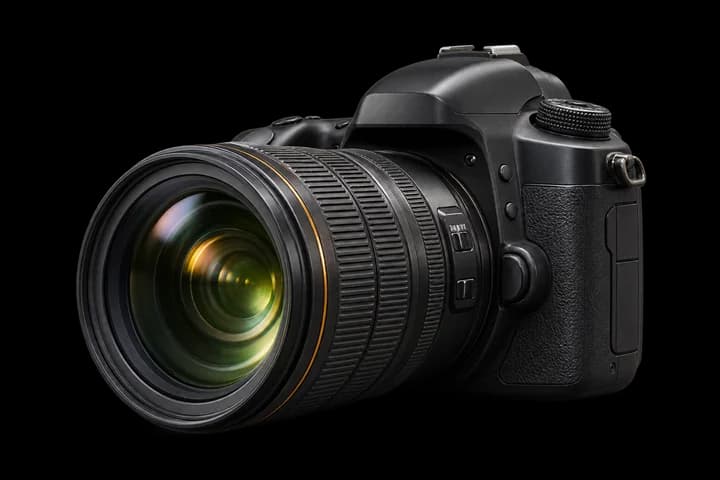
Too Many Photos
Large event folders take time to review.


AI-Powered Photo Selection
The smarter way to shortlist your photos. PurePic helps professional photographers identify duplicates, blurry shots, and closed-eye photos, so you can deliver stunning albums faster.

Meet PurePic
A Windows desktop application designed for photographers. Use AI-powered analysis to identify duplicates, find sharper photos, and flag closed-eye expressions — all in a simple workflow you control.
Spend less time on manual comparisons.
Focus on the best moments.
Review and choose your final selection.
The Challenge
Large event folders take time to review.
Similar frames make selection repetitive.
Closed eyes may be overlooked.
Manual selection delays the editing workflow.
Core Features
AI-powered tools designed around real photography workflows.
Identify similar photos and reduce repetitive selection.
Compare image clarity and prioritize stronger photos.
Flag potential closed-eye expressions.
Preliminary quality selection followed by eye-quality refinement.
Inspect face-related selection results when needed.
Keep shortlisted and rejected photos in separate folders.
Analyze photos on your Windows computer without uploading.
Manage selections separately for each event.
How It Works
Select the source folder from your wedding, event or studio session.
Identify duplicates, evaluate quality, and refine selection with eye-quality analysis.
Review the suggested selections and access organized output folders.
Use Cases

Quickly shortlist the best shots from large wedding folders.

Find sharp, expressive photos from events, parties and celebrations.

Speed up client selection from studio shoots and family portraits.

Manage high-volume images with consistent, quality-focused selection.
Why Photographers Love PurePic
Reduce repetitive shortlisting work.
Apply systematic photo-quality analysis.
Identify potential quality issues earlier.
Keep selections simple and structured.
Straightforward desktop photo selection.
You make the final selection.
 Coming Soon
Product Demo
Watch how PurePic helps transform a large photo folder into a manageable shortlist.

Let PurePic handle repetitive photo selection work so you can focus on shooting, editing, and delivering unforgettable memories.